How to Get Wedding Guests to RSVP
Guests ignoring your RSVP deadline? Here's a calm, step-by-step system to get every response, with reminder wording that actually works.
Planning your wedding?
Invyt makes RSVP management easy — track guests, dietary needs, and plus-ones all in one place.
Try Invyt free →About 10-15% of wedding guests never respond to an RSVP, according to data from RSVPify. Not because they're rude — most of them just got busy and kept meaning to do it. The good news: a simple system of a clear deadline, one digital link, and two timed reminders gets you to 95%+ response rates without a single uncomfortable conversation.
Here's the exact process.
Set a Deadline That Gives You Breathing Room
The single biggest mistake couples make is setting the RSVP deadline too close to the wedding. Your caterer needs final numbers 10-14 days out. Your seating chart takes time. And you'll need a few days to chase the non-responders.
Set your RSVP deadline 3-4 weeks before the wedding date.
That buffer matters. If your wedding is June 14, your RSVP deadline should be May 17 at the latest. This gives you a full week to follow up before your vendor deadlines hit.
Three to four weeks is the right answer for a mostly local guest list. It is the wrong answer if your guests are flying in. Travelling guests need to price flights and book time off before they can honestly answer you, so the invitation has to go out earlier and the deadline moves back with it. Rather than redo the arithmetic for each scenario, our RSVP deadline calculator takes your wedding date and how far your guests are travelling, then returns the send date, the reply-by date, the reminder date and the final-count date as one timeline you can copy or add to your calendar.
One more thing: put the deadline clearly on the invitation itself, not buried in fine print. "Please respond by May 17" beats "Kindly reply at your earliest convenience" every time.
Make Responding Take Less Than 30 Seconds
Most guests who don't RSVP aren't ignoring you. They ran into friction. They meant to mail back the card, or they couldn't find the website link, or they typed in a URL and got a 404. Some simply stall because they are not sure what to write on a wedding RSVP card and put it off until it drops off the pile. The easier you make it, the higher your response rate.
A dedicated digital RSVP page fixes this. Guests get a link, tap it, see their name pre-filled, and confirm in two taps. No stamps, no hunting for a pen, no trying to remember if they're attending the ceremony or just the reception.
Invyt lets you set this up free in about five minutes. You get a shareable link you can drop into WhatsApp, text, or email, and a live dashboard showing exactly who has and hasn't responded. No spreadsheet required.
If you want to go deeper on the setup process, the complete guide to online wedding RSVPs covers every option. The wedding RSVP tracker page shows exactly what you're getting before you sign up.
Send Your First Reminder One Week Before the Deadline
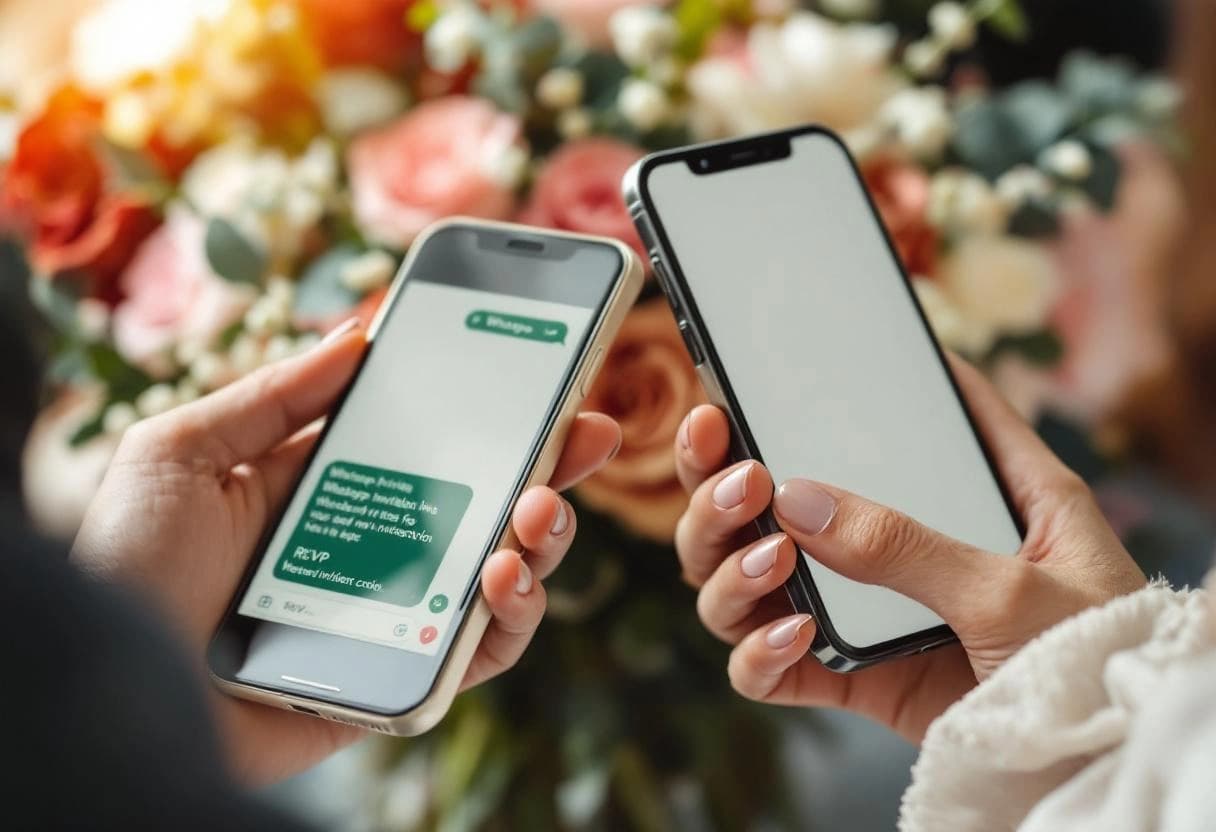
A single reminder, sent one week before your RSVP deadline, will recover the majority of your stragglers. Keep it short. Most people who see it will respond within the hour because they've been meaning to.
By text or WhatsApp (best for close contacts):
Hi [Name], just a heads-up that our RSVP deadline is [date]. We'd love to know if you're able to join us. Here's the link: [link]. No worries either way, we just need to finalize numbers with our venue.
By email (better for work colleagues or distant relatives):
Hi [Name], hope you're well. We're finalizing our guest list and noticed we haven't heard back from you yet. Our RSVP deadline is [date], and you can respond here: [link]. We'd love to have you there.
Keep the tone light. The goal is a gentle nudge, not a guilt trip. For more phrasing ideas, browse these RSVP wording examples, which cover everything from formal to casual.
Send a Final Reminder the Day Before
The day before your deadline, send one last message to anyone who still hasn't responded. This catches the people who saw your first reminder, intended to reply, and then forgot again.
Same light tone. Keep it even shorter:
Hi [Name], our RSVP deadline is tomorrow. Just wanted to make sure the link reached you: [link]. Thanks so much.
With a digital RSVP tool, this step takes about two minutes. You can see your pending list at a glance, copy the link, and send a batch of quick messages. Without one, you're scrolling through your original guest list trying to figure out who you've heard from and who you haven't.
After the Deadline: The Personal Follow-Up List
After your deadline passes, you'll have a short list of guests who still haven't responded, typically 10-20 people. This is where most couples dread having to make the calls.
The reframe that helps: most of these people want to come. They're embarrassed they missed the deadline and aren't sure how to handle it. A quick phone call or personal text takes the awkwardness away from them.
For phone calls, keep it warm and practical:
"Hey, I just wanted to check in. We're finalizing numbers with our caterer and I didn't want to accidentally leave you off the list. Are you planning to join us?"
That framing does two things: it gives them an easy out if they need to decline, and it signals that their response actually matters to your planning. Most people will respond within the hour.
For distant guests or acquaintances, a text version works fine:
"Hi [Name], we're wrapping up our final headcount and wanted to check in about your RSVP. No pressure either way. We just need to know for our venue. Here's the link if it's easier: [link]."
A good centralized guest list app makes this step much faster. Instead of cross-referencing a spreadsheet with your inbox, you see at a glance who hasn't responded and can work through the list systematically — see how to track RSVPs online without a spreadsheet for the setup.
What to Do With True Non-Responders
After two reminders and a personal follow-up, some guests still won't respond. At this point, you have two options.
Option 1: Count them as not attending. This is the standard advice from most planners, and it works. Your caterer builds in a small buffer for last-minute adds anyway. If they show up unannounced, most venues can accommodate one or two extras without drama.
Option 2: Ask someone who knows them. If the non-responder is a close friend of a family member, a quick word to that family member often works better than another direct message. "Has Sarah mentioned whether she's coming? I just want to make sure we have her seat sorted."
Emily Post's etiquette guidance is worth reading here. The short version: after two follow-ups, the social obligation has shifted to the guest.

The Full System, Step by Step
- Set your deadline 3-4 weeks before the wedding
- Share a digital RSVP link via WhatsApp, text, and email at the time of invitation
- Send reminder 1 by text/WhatsApp one week before the deadline
- Send reminder 2 by text/WhatsApp the day before the deadline
- Personal outreach by phone or text for anyone still pending 48 hours after the deadline
- Count persistent non-responders as absent and finalize your numbers
Follow this and you'll almost never need to have an uncomfortable conversation. The system handles 80% of the follow-up before you even pick up the phone.
For a deeper look at structuring your full guest list process, including dietary needs, plus-ones, and seating, read our guide on guest list management.
One Underrated Prevention Strategy
Most RSVP guides focus entirely on the follow-up. But the highest-leverage move happens at the start: asking for something beyond a yes or no.
When you ask guests to select a meal preference, indicate dietary restrictions, or confirm which events they're attending (ceremony only, ceremony and reception, etc.), the RSVP stops feeling like an obligation and starts feeling like participation. Guests who skip a "simple yes/no" form often respond immediately when there's a question that feels personal to them.
Invyt builds this in by default. Every RSVP form can include dietary preference fields, event-specific RSVPs for multi-event weddings, and a message field for guests who want to add a note. It's a small thing that consistently improves response rates.
Ready to stop managing RSVPs by text thread? Start tracking responses for free on Invyt — setup takes about five minutes, and your guests can respond in two taps.
Frequently Asked Questions
When should I send a wedding RSVP reminder?
Send your first reminder one week before the RSVP deadline and a second the day before. Guests who still haven't responded 48 hours after the deadline can receive a brief personal follow-up by phone or text.
How do you politely ask guests to RSVP?
Keep it warm and direct: "Hi [Name], we haven't received your RSVP yet and would love to know if you can join us. Our deadline is [date]. Here's the link: [link]. Thanks." Text or WhatsApp works better than email for close contacts.
What do you do if guests don't RSVP at all?
After two reminders, reach out personally by phone or text. If there's still no response, count them as not attending and plan your numbers accordingly. Most caterers allow a small buffer for last-minute additions.
How early should the RSVP deadline be before the wedding?
Set your deadline 3-4 weeks out. This leaves time for follow-up, caterer confirmation, and seating chart work without pushing the deadline so close that you're scrambling.
Can I use WhatsApp to collect wedding RSVPs?
Yes, and for close family and friends it often works better than email. Send a short message with your digital RSVP link so guests can respond in one tap. Platforms like Invyt include a WhatsApp share button built into the dashboard.